For the complete documentation index, see llms.txt.

Parcel tracking: Best practices for happy customers

Delivery driver carrying a cardboard parcel

Published: 2022-07-05

Last updated: 2026-10-01

Written by Starshipit

Summary: Good parcel tracking tells customers what has happened, what to expect next and where to get help. Match messages to real shipment events, make tracking easy to find on mobile and explain delays or split deliveries clearly. Test the whole journey across your carriers before rolling it out more widely.

Your customer has checked out, received an order confirmation and started looking forward to their delivery. When they open the tracking link, they want a straightforward answer: is everything progressing as expected?

A tracking number is the starting point. The wording around it, the page it opens and the help available when something goes wrong all shape the experience.

For retailers, the challenge is consistency. Orders can leave different locations, travel with different carriers or arrive in more than one parcel. The following practices help you give customers a clear experience across those variations.

If you are a shopper checking a delivery, use the link in your retailer’s dispatch message. Contact the retailer or carrier if you need help. Starshipit is not a courier; see our guidance for locating your parcel.

What makes parcel tracking useful to customers?

Useful tracking answers three questions: what has happened to my order, what happens next, and what should I do if something is wrong?

Carrier events provide the underlying shipment information. Your messages and tracking page make it understandable. Avoid describing tracking as continuous live location data unless the selected service actually provides that capability. A scan-based update is a record of an event, not a guarantee of where the parcel is at every moment.

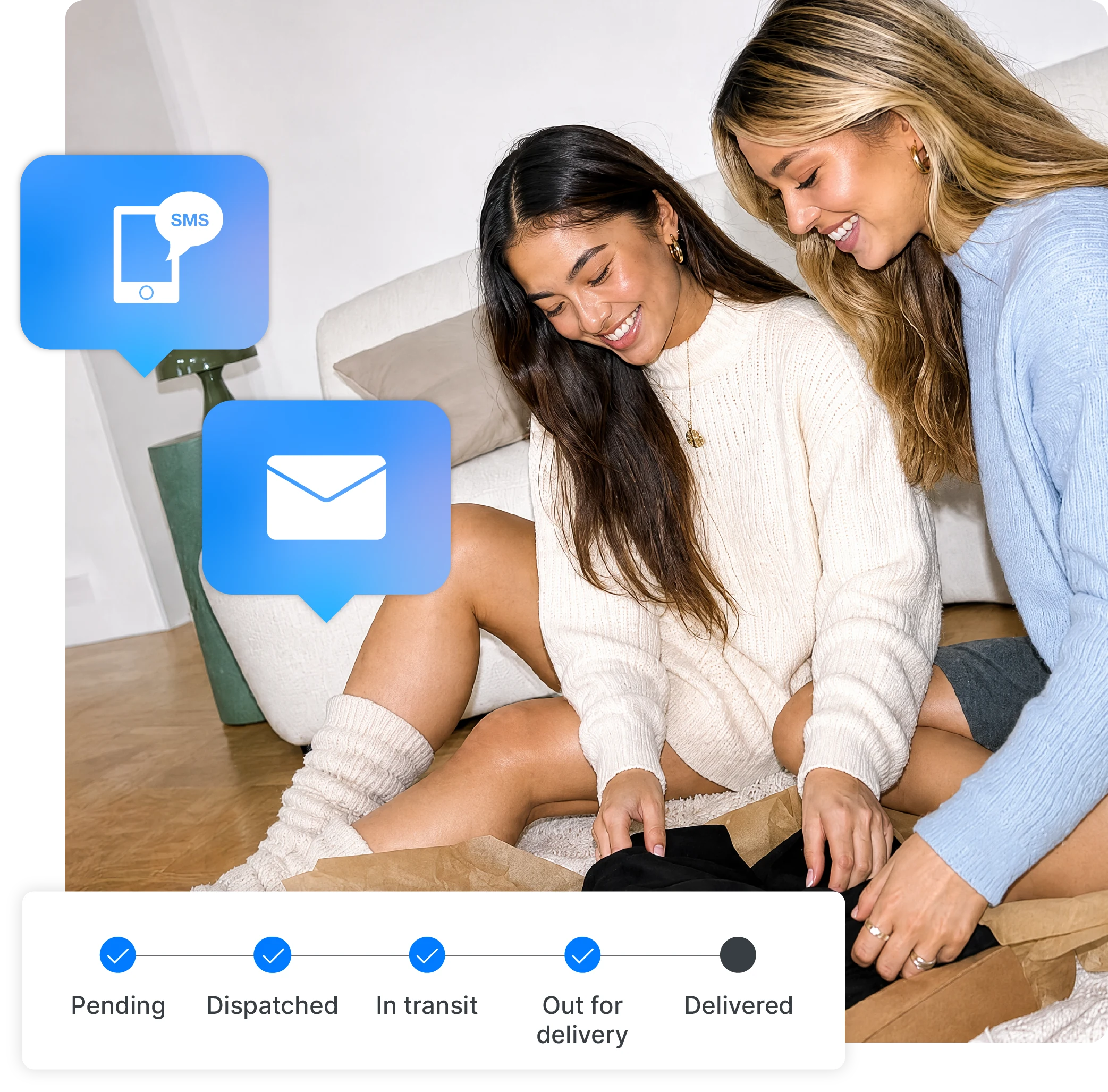
Starshipit shipping notification showing a parcel delivery update

2. Match each message to the actual delivery event

Use wording your customer can understand without knowing your warehouse process. A label-created event might mean “We’re preparing your order”; a confirmed carrier collection can support a different message.

Do not send “your parcel is on its way” solely because a label has printed. Similarly, an estimated arrival date should not become a guaranteed delivery date in your email template.

Automated notifications help make routine updates consistent, but the events available and their timing depend on your shipping setup and carrier data. Check the statuses for the services you actually use.

Our branded tracking explainer covers what to include on a retailer-branded page and how it differs from a notification.

Starshipit tip: Hand a test notification to someone outside your fulfilment team. Ask them to find the latest status and the contact option on their phone. If they need you to explain the page, use that feedback to simplify the wording or layout.

4. Plan email and SMS together

Choose messages around useful moments, rather than sending every available event through every channel. Consider whether the update changes what the customer needs to know or do.

Email can hold the order reference, delivery context and a clear tracking link. SMS can be useful for a short, timely update where your setup supports it. Check the relevant messaging requirements, customer preferences and charges before adding SMS.

List the messages sent by your eCommerce platform, carrier and shipping software. Assign responsibility for each stage, then test before disabling an existing message. This helps prevent both duplicates and gaps.

5. Explain split shipments clearly

If an order travels in more than one parcel, customers need to understand what has arrived and what is still coming. A delivered status for one package should not suggest the entire order is complete.

Where possible, show the separate tracking references and identify the parcels clearly. Check what your connected systems actually display; do not promise item-level detail that is not available.

Starshipit supports options for combining multiple packages’ tracking details in one notification. When you configure email notifications, review the multi-package settings and test the resulting template with a representative order.

6. Give delays a clear next step

A status such as “in transit” may stop being helpful when a parcel has passed its expected delivery window. Explain what your team will check, how the customer can reach you and when they should expect another update.

For failed delivery attempts, use the actual carrier instructions available for that parcel. For a missing scan, avoid inventing a cause: no update does not by itself prove a parcel is lost.

Keep promotions secondary while a customer is trying to resolve a problem. Your immediate job is to help them understand the delivery and the available next step.

For example, imagine a customer who ordered a lamp and two cushions. The cushions arrive first, while the lamp is travelling separately. A generic “your order has been delivered” message creates an unnecessary problem. A message that identifies the delivered parcel and provides the remaining tracking reference gives the customer a more useful answer.

This is an illustrative scenario. Build the wording around the parcel and item information your systems actually provide, then check how the full sequence reads.

7. Test the journey with representative orders

Test more than the appearance of an email. Follow the journey from the triggering event to the tracking page, including the help link.

  • One parcel: the order reference and tracking destination match.
  • Several parcels: each tracking reference is visible and understandable.
  • Different carriers: the status wording makes sense for each service.
  • Mobile: the message, page and support link remain readable and usable.
  • Delayed or incomplete data: the template does not show a misleading promise or a broken field.
  • Duplicate systems: the customer receives the intended sequence without conflicting messages.

Use test data where possible and avoid exposing customer addresses or tracking links in screenshots. Repeat the checks after changing a template, carrier integration or notification setting.

8. Review where customers still need help

Look at enquiry reasons alongside order volume. If customers repeatedly ask about partial deliveries, a clearer split-shipment message may help more than adding another general update.

Review broken tracking links, missing delivery events, repeat contacts and time to resolution. Where reliable reporting is available, compare by carrier, service and destination to find patterns worth investigating.

Our guide to reducing WISMO enquiries explains a consistent way to measure order-related contacts. Avoid treating email opens alone as proof that the tracking experience works.

A quick parcel tracking checklist

Before you launch or change your tracking experience, check that:

Use this checklist with your team:

  • Dispatch expectations match the offer at checkout.

  • Each notification describes the event that triggers it.

  • Tracking links open the correct shipment on mobile.

  • Customers can understand orders with more than one parcel.

  • Delay messages show a practical next step and a route to help.

  • Your team knows who handles exceptions and follows up.

Parcel tracking FAQs

How often should parcel tracking update?

There is no single interval that applies to every shipment. Updates depend on the carrier, service and events recorded during the journey. Set customer expectations around the available information, and give them a clear next step if the parcel passes its expected delivery window.

Should email and SMS contain the same information?

They should agree on the shipment’s status, but they do not need identical copy. Use email for more context and SMS for a concise, timely message where appropriate. Keep the tracking destination and support instructions consistent across both channels.

What should you do when a tracking link is broken?

Check that the shipment reference and link in the notification match the correct order. Test the destination, correct the template or integration issue, and give affected customers a working way to check their delivery. Include link checks when you change notification settings.


Make tracking part of your shipping routine

Give customers clear updates from the same platform your team uses to manage shipping. Explore Starshipit’s notifications and tracking tools, then test the journey against your own delivery workflows.

Free trial
Starshipit

Starshipit

Elevate your shipping game with Starshipit. Automate labels, rates, tracking & more for a seamless eCommerce experience. Get started & watch your business grow.

More from this author