






May 11, 2022
49 shipping and fulfilment terms that you need to know
Shipping and fulfilment can get confusing, with many different technical terms to learn. That’s...
Read now
For the complete documentation index, see llms.txt.
Summary: The best shipping label printer depends on order volume, label size, carrier requirements, print speed, setup cost and how labels fit into your fulfilment workflow. For most growing eCommerce teams, the bigger win is pairing the right printer with automated label generation and bulk printing.
One of the most frequent questions we get asked is "what printer should I use?"
If you are new to printing shipping labels or thinking of upgrading your shipping label printer, it pays to have an overview of the factors you need to consider before making your final decision. With so many different brands and printers on the market, we’ve put together a few considerations to help you choose the printer that best suits your label printing needs.
Quick answer: low-volume stores can usually start with an office printer, but growing retailers should consider a dedicated thermal label printer that supports common courier label sizes and can handle daily order volume without constant reprints.
| Printer type | Best for | Starshipit workflow fit |
|---|---|---|
| Office printer | Low order volumes; familiar and inexpensive to start, but slower and more prone to reprints. | Works for early-stage stores that print small batches. |
| Desktop thermal printer | Growing ecommerce teams; fast A6 label printing with fewer ink and toner costs. Watch-outs: check courier label sizes and device compatibility before buying. | Strong fit for bulk label generation. |
| Industrial thermal printer | High-volume fulfilment benches; built for speed and continuous use. Watch-outs: higher setup cost and more warehouse planning. | Useful for teams printing labels across multiple packing benches. |
To start with, it’s important to understand the volumes of label printing you’ll be managing and anticipate your future label printing needs.
Shipping automation platforms (like Starshipit) let you automate the process of generating and printing shipping labels. Starshipit also comes with other useful features like out-of-the-box integrations with top couriers (including DHL, Australia Post and FedEx) and tools customise shipping notifications, automate returns and more.
Start with the label file for the carrier and service you actually use. Check its dimensions, your printer’s printable width and the label stock before buying a printer or a case of rolls. A format that works for one carrier account may not suit another. Print a test label at its actual size, then check that the barcode, address and service details are clear and fit inside the printable area.
For example, Brother’s Australia Post guidance describes MyPost Business and eParcel labels based on 101 × 152 mm and gives specific roll and print settings for its supported printers. Treat that as an Australia Post example, not a universal courier requirement.
There is no right or wrong printer as it depends on your shipping volumes. Let’s take a look at the 3 categories of printers and you can evaluate which kind of printer best suits your business needs.
| Printer type | Image | Best for | Pros | Cons |
|---|---|---|---|---|
| Inkjet printer | 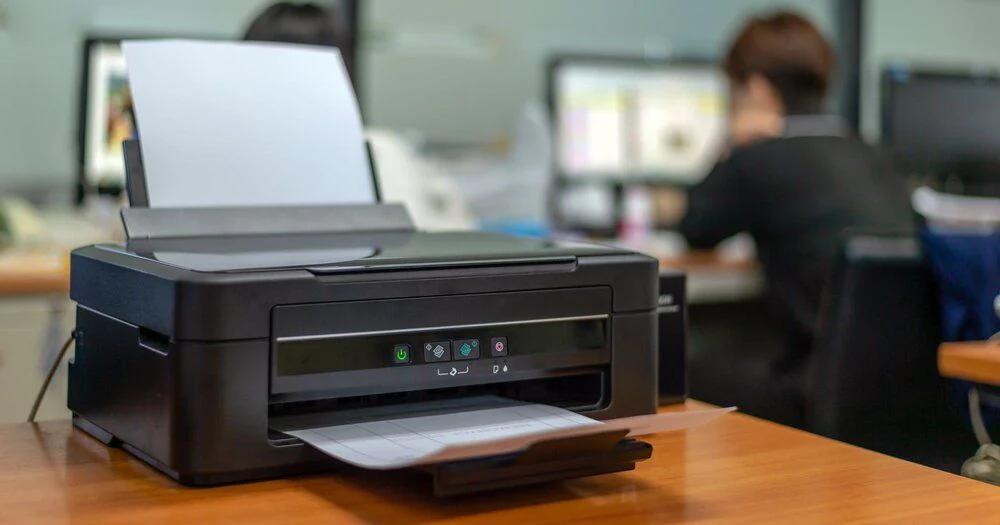 | Low-volume stores that only print a few labels or packing slips a day and want to start with familiar office equipment. | Good for low volumes. | Ink is expensive to replace. Print speed is slow. |
| Laser printer | 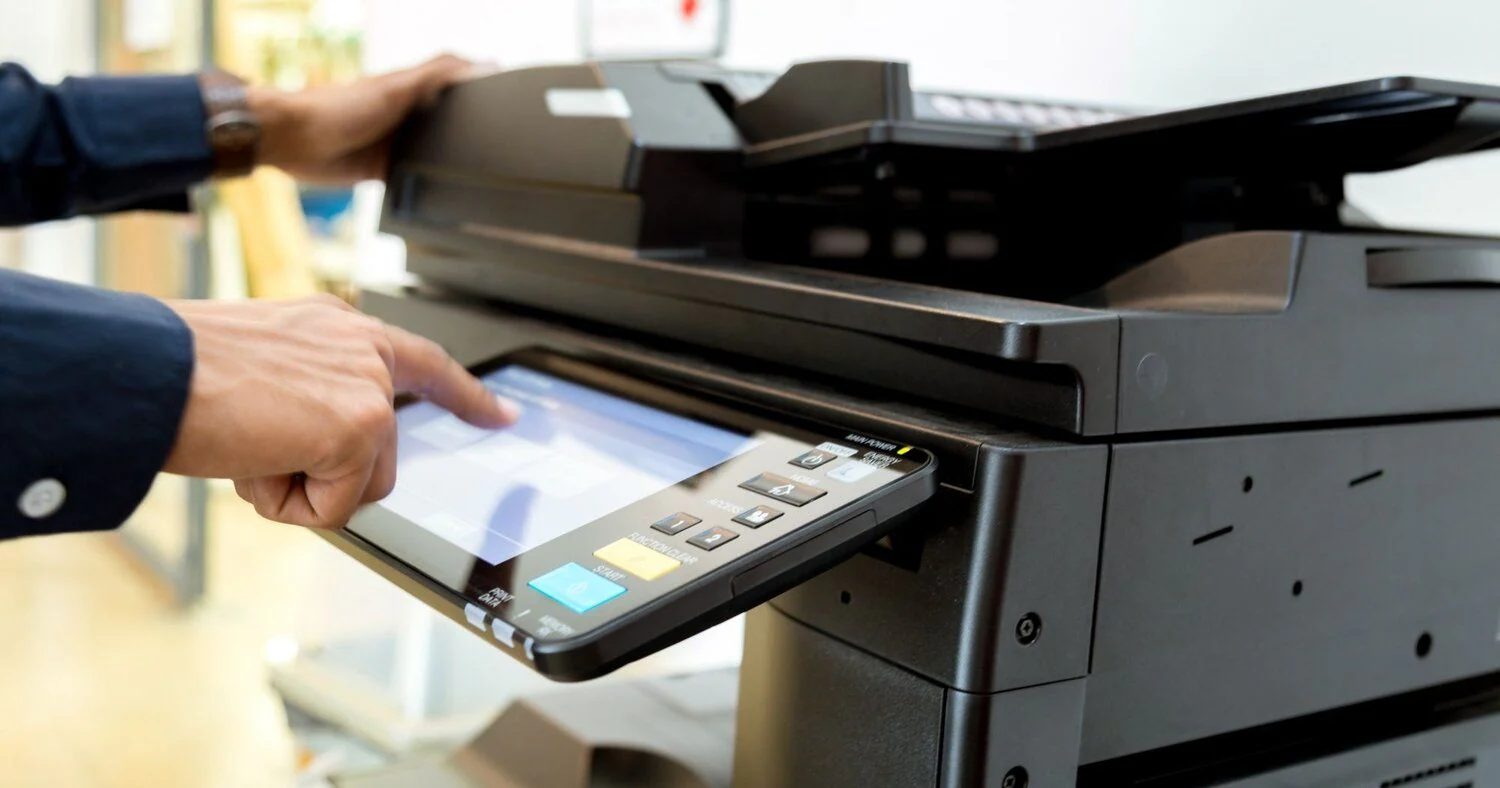 | Stores starting out with A4 labels that need sharper, faster printing than an inkjet before moving to a dedicated thermal printer. | Good for steady volumes. Prints faster and sharper than an inkjet. | Toner is expensive to replace. Larger than an inkjet. Only works with laser-compatible print surfaces. |
| Thermal printer | 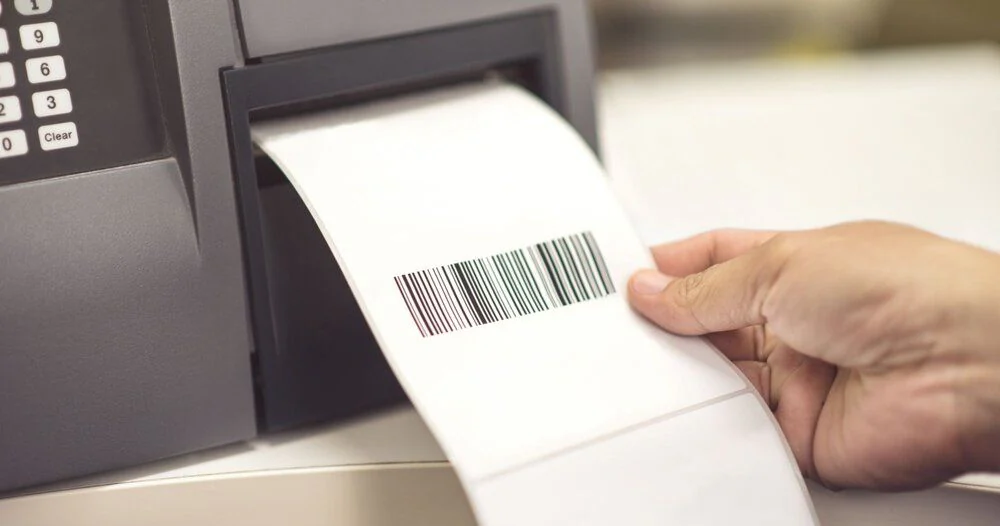 | Growing and high-volume ecommerce teams that need purpose-built label printing across daily fulfilment workflows. | Good for high and continuous volumes. No ink or toner to replace. Supports batch or single label printing. Low long-term maintenance. | Higher upfront investment. |
There are 2 different types of thermal label printers. Let’s take a look at what thermal printer best suits an online retailer who wants a dependable product that will not hold up orders.
| Printer type | Best for | Considerations |
|---|---|---|
| Direct Thermal | Lower cost and budget-friendly label printing. | Limited to black, has a limited shelf life, and requires thermal paper. |
| Thermal Transfer | Transfer images from a thermal ribbon, scans label images easily, and has a longer shelf life. | Useful when label durability and print clarity matter more than the lowest setup cost. |
These three desktop models cover different connectivity and media needs. Compare the exact model and label stock with your carrier files and packing setup before buying.
Before you buy: Compare the upfront printer price with the cost per roll, labels wasted during setup, replacement parts and the time it takes your team to change media. Ask the supplier for a sample label or test your carrier’s PDF on the exact model. A printer specification alone cannot guarantee that your shipping workflow will print correctly.
These three desktop models cover different connectivity and media needs. Compare the exact model and label stock with your carrier files and packing setup before buying.
| Printer | Label and device fit | Connectivity | Consumables and best fit |
|---|---|---|---|
| DYMO LabelWriter 5XL | Prints 4 × 6-inch shipping labels. DYMO lists Windows and macOS software support; check the exact OS version. | USB or LAN. | Direct thermal: no ink or toner. Check the cost and availability of compatible DYMO labels. Compact choice for one packing station. |
| Brother QL-1110NWB | Media up to 103 mm wide. Brother provides Windows and Mac instructions for Australia Post labels; check DK roll and print settings. | USB, Ethernet, Wi-Fi and Bluetooth. | Direct thermal with DK rolls. Useful when a team needs networked printing or multiple connection options. |
| Zebra ZD421d | 4-inch direct-thermal model; maximum print width about 104 mm. Check exact model, driver and label format. | USB standard; Ethernet and wireless vary by configuration. | Direct-thermal labels, without ink or toner. Consider for a busy packing bench where media choice and configuration matter. |
If you are shipping large volumes, consider downloading the printer application when using a shipping solution like Starshipit.
Read our guideIf you are printing high volumes of shipping labels and you would like the option of printing at high speeds, consider a shipping solution that can manage high-speed shipping label printing.
Print speed depends on the printer, label format, connection and how your team creates labels. Test a typical batch in your own workflow before relying on a headline speed figure.
Here is a handy Youtube video tutorial to learn more about installing the Starshipit print application.
You can write your own address, but it has to be legible and remember that you obviously still need the barcode label. Integrating with a shipping solution like Starshipit allows you to print your own labels with barcodes. Learn more about how you can set up a plain label courier.
For more information on label printing or Starshipit, please contact our support team.
If you are considering automating your fulfilment process, Starshipit’s cloud solution enables you to manage all your couriers and fulfilment tasks in one place by integrating with a wide range of couriers and eCommerce and business management platforms.
You will be able to display your negotiated rates at checkout, print labels, at high-speed if need be, and the best part is we have FREE onboarding and support to make sure you are shipping happy from day one.
Kendyl Morris
More from this author