






Webinar


Turn data into decisions: shipping analytics for successful retailers
Use shipping data to improve performance and cost efficiency.

For the complete documentation index, see llms.txt.
Automate your shipping while delivering better experiences for your customers. Connect your eCommerce platform to 60+ couriers, compare shipping rates, print shipping labels, autocorrect addresses, set up automations and more.
Discover all featuresMaude Studio replaced manual carrier portals with one centralised Starshipit dashboard for domestic and international shipping. Automated order imports, real-time tracking updates from Shopify, carrier rules, and label printing helped the team reduce manual work, improve visibility, and cut fulfilment times by 40%.
Read the full case studyDive into easy-to-understand reports and learn which countries and states you’re shipping to most – then use this information to provide customers with the right shipping options.
Starshipit is an award winning technology platform





Recognised by the NZ Hi-Tech Awards, Retail Systems Awards, TIN Awards, NORA Awards, VIP Awards, G2 and more.
Generate multiple shipping reports
Including shipped Items, packages sent, unshipped packing summary and shipments per workstation.
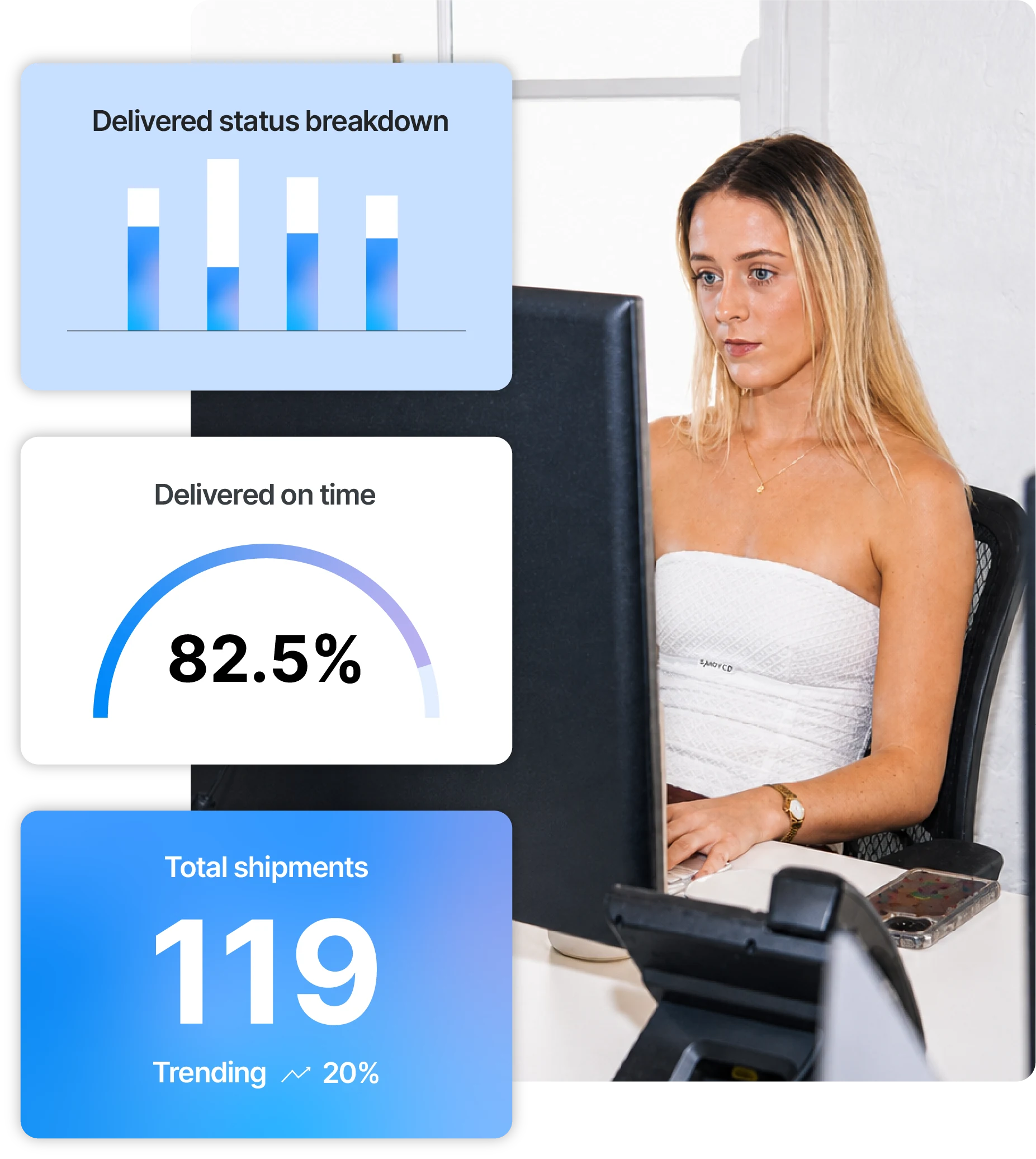
Easy to understand metrics
See whether orders are delivered early, on time or late according to carrier data with our KPI gauges.
Carrier performance analysis
Make data-driven decisions and learn if your couriers are meeting DIFOT (Delivered In Full, On Time) KPIs.
Use shipping data to improve performance and cost efficiency.
Find ways to reduce spend across checkout, fulfilment and post-purchase.
See how Meshki monitors in-transit performance, on-time delivery and carrier invoices.
A practical guide to rules that streamline fulfilment and reduce manual work.
Starshipit includes reports for packages sent, shipped items, unshipped orders, workstation activity, shipping costs and delivery performance. Use them to check what has left the warehouse, compare carrier spend and follow delivery outcomes. See how to generate reports.
Review delivery-performance reporting alongside your own delivery promises to see where orders are arriving early, on time or late. This helps you investigate patterns by carrier or service rather than relying on isolated customer complaints. Use the findings to inform carrier conversations and operational changes.
Shipping analytics helps you spot where costs and exceptions are building up. Compare shipment costs by carrier, review delivery performance and investigate unshipped orders before they become customer queries. The useful next step is to turn those patterns into clearer carrier choices, shipping rules or warehouse processes.
Yes. Starshipit reports can be exported for use in your wider reporting process, including tools such as Power BI. Choose the report that answers the operational question first, then check its date range and filters before exporting. That keeps carrier, cost and warehouse comparisons meaningful.
Starshipit includes reports for packages sent, shipped items, unshipped orders, workstation activity, shipping costs and delivery performance. Use them to check what has left the warehouse, compare carrier spend and follow delivery outcomes. See how to generate reports.
Shipping analytics helps you spot where costs and exceptions are building up. Compare shipment costs by carrier, review delivery performance and investigate unshipped orders before they become customer queries. The useful next step is to turn those patterns into clearer carrier choices, shipping rules or warehouse processes.
Review delivery-performance reporting alongside your own delivery promises to see where orders are arriving early, on time or late. This helps you investigate patterns by carrier or service rather than relying on isolated customer complaints. Use the findings to inform carrier conversations and operational changes.
Yes. Starshipit reports can be exported for use in your wider reporting process, including tools such as Power BI. Choose the report that answers the operational question first, then check its date range and filters before exporting. That keeps carrier, cost and warehouse comparisons meaningful.
Understanding the different types of shipping reports in Starshipit
The following resources contain more information about reporting in Starshipit, including instructions on how to get set up.
Generating reportsShipping analyticsScheduled Reporting


