
For the complete documentation index, see llms.txt.
Connect Microsoft Dynamics 365 Business Central workflows to Starshipit
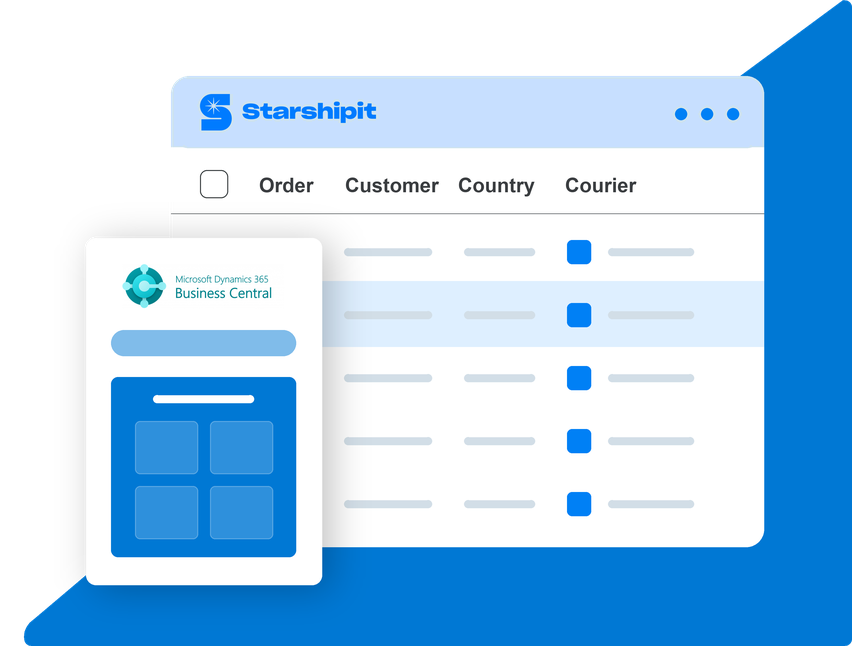
Connect Microsoft Dynamics 365 Business Central workflows to Starshipit so eligible orders can move from business operations into labels, carriers, tracking and dispatch with less manual work.
Business Central remains the ERP for finance, sales, service and operations, while Starshipit handles the shipping layer once orders are ready to fulfil.
- 30-day free trial
- No credit card required
- 5-star support
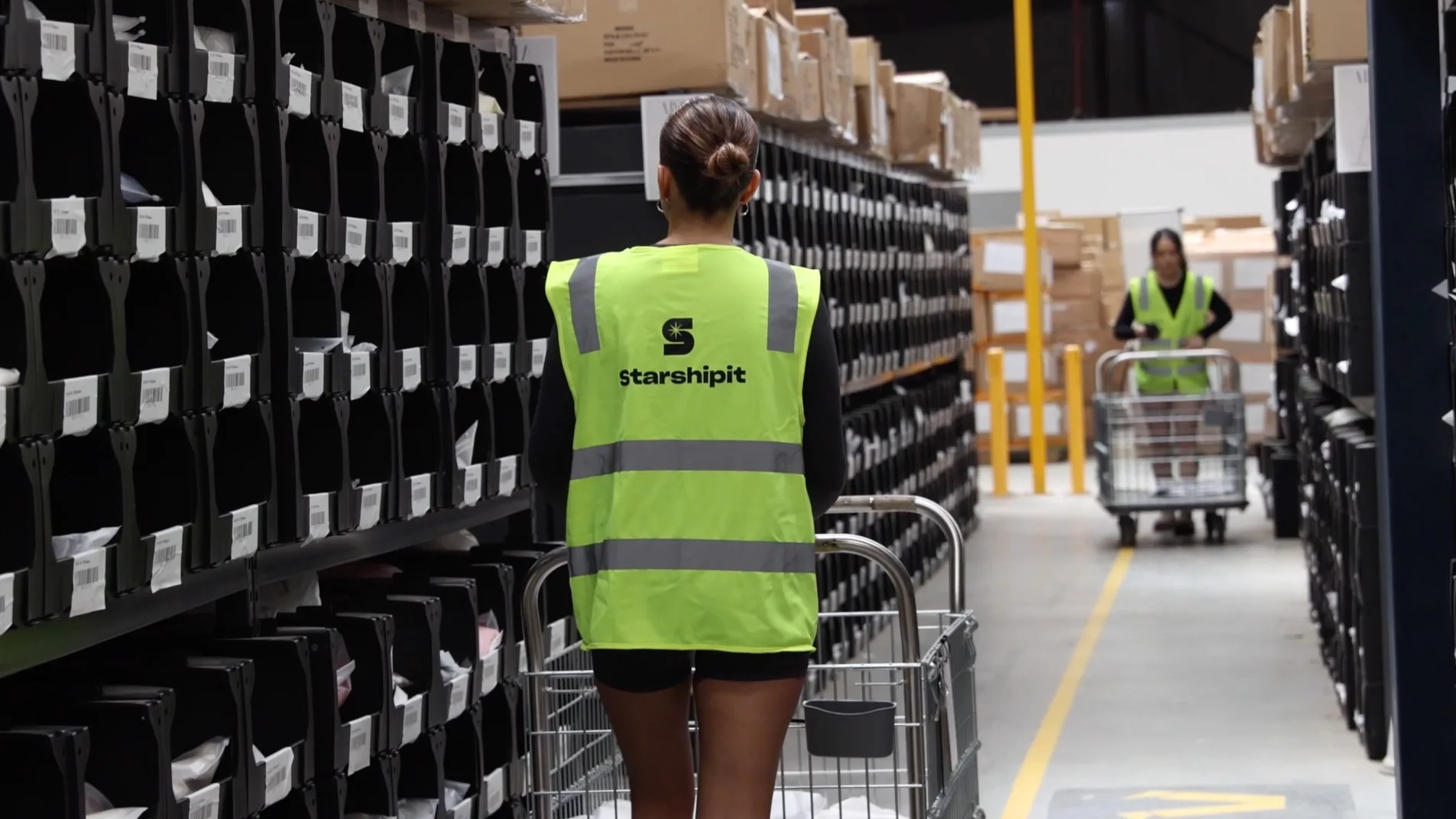
Over 30k retailers use Starshipit to save hours every week on shipping and fulfilment






Why connect Microsoft Dynamics 365 Business Central to Starshipit?
Microsoft Dynamics 365 Business Central is Microsoft's enterprise resource planning solution for small and midsize businesses, connecting finance, sales, service and operations.
Business Central helps teams manage finance, sales, service, projects and supply chain workflows, while Starshipit handles the shipping workflow once orders are ready to dispatch.
For retailers, wholesalers and operators using Business Central alongside eCommerce, warehouse or internal workflows, this helps reduce manual handling between business operations and dispatch.
What you can automate with the Microsoft Dynamics 365 Business Central integration
Automate fulfilment handover
Reduce manual tasks by using Starshipit to automate fulfilment workflows once eligible orders are ready to move from Business Central or connected systems into dispatch.
Manage carrier decisions
Use Starshipit shipping rules to automatically assign carriers, services and delivery options based on order data, destination, weight or business rules.
Keep customers informed
Send automated tracking updates after labels are created so customers and internal teams can see delivery progress.


Get more from Microsoft Dynamics 365 Business Central with Starshipit
Connect ERP and dispatch workflows
Bridge sales, operations and fulfilment data with Starshipit so teams can move from approved orders to dispatch with fewer manual steps.
Reduce carrier integration work
Manage labels, services, tracking and shipping rules in Starshipit instead of maintaining separate carrier connections for each workflow.
Support inventory-based operations
Help retailers and wholesalers coordinate stock, orders and dispatch across ERP, accounting, inventory and eCommerce systems.
Improve delivery visibility
Share tracking updates and delivery notifications once orders ship, reducing avoidable support questions and keeping teams aligned.
Seamless integration with 100+ platforms & couriers:







“Starshipit is a global solution for us. I can see all my orders, track any order. All my teams are all using the same platform. Training is easier, because it’s one platform we’re pushing out there. It’s a simple, cost-effective solution because it’s a global solution for us.”


“We would have really struggled to scale if it wasn’t for Starshipit. Before using their app, our tech platforms weren’t talking, and we would have had to login to multiple carrier accounts to get orders out the door. Now, all of that is handled automatically, meaning we save 1000s of hours and dollars in fulfilment time."

“Starshipit is a global solution for us. I can see all my orders, track any order. All my teams are all using the same platform. Training is easier, because it’s one platform we’re pushing out there. It’s a simple, cost-effective solution because it’s a global solution for us.”
Start fulfilling orders with Microsoft Dynamics 365 Business Central and Starshipit in minutes
Connect eligible Business Central orders or supported connected order workflows to Starshipit, then automate labels, carrier services and tracking from one place.
- Get started
1. Import your orders
Bring eligible orders from Business Central or connected eCommerce, warehouse or internal systems into Starshipit when they are ready for fulfilment.
- Get started
2. Connect your carriers
Add carrier accounts and delivery services in Starshipit so your team can create labels and manage dispatch from one platform.
- Get started
3. Start shipping
Use shipping rules, labels, tracking and notifications to dispatch orders and keep fulfilment moving.


ERP & Accounting
Can Starshipit integrate with Microsoft Dynamics 365 Business Central?
Yes, where a supported integration is available. Starshipit connects shipping workflows with Microsoft Dynamics 365 Business Central so teams can reduce manual handling between orders, fulfilment and dispatch.
Does Starshipit replace Microsoft Dynamics 365 Business Central?
No. Microsoft Dynamics 365 Business Central remains the system for retail, finance, inventory or business operations. Starshipit handles the shipping layer: importing eligible orders, generating labels, managing carriers and sending tracking updates.
Can Starshipit connect shipping carriers to Microsoft Dynamics 365 Business Central?
Yes. Starshipit can help bridge Microsoft Dynamics 365 Business Central order data with carrier workflows, so teams can manage labels, tracking, carrier services and shipping rules from one platform instead of building separate carrier connections.
Is there a Starshipit API for custom Microsoft Dynamics 365 Business Central shipping workflows?
Yes. The Starshipit API can support custom shipping integrations when a business uses a custom ERP, eCommerce platform or internal system. This can reduce the need to build separate integrations with each carrier.