

June 21, 2022
5 benefits of a post-purchase strategy (and how to build one)
Your post-purchase strategy is so important. If you’re ready to increase revenue and nail your...
Read now
For the complete documentation index, see llms.txt.
Summary: A branded tracking page shows a customer’s shipment progress in a page styled for the retailer, with relevant delivery information and a clear route to support. Customers usually open it from a tracking link in an email or SMS. It helps keep the post-purchase experience consistent while using available carrier tracking data.
Your customer opens a dispatch email and selects the tracking link. The page they reach should help them understand their delivery without wondering whose site they are on or where to ask for help.
A branded tracking page brings that experience closer to your store. The design matters, but the useful part is how clearly it presents the order’s progress and the next step.
A branded tracking page is an order-tracking page that carries the retailer’s identity, such as its logo and colours, alongside shipment information. It gives the customer a recognisable place to check the latest available delivery status.
The page displays the tracking information available through the carrier and connected software. That is usually based on shipment events, such as a scan or delivery update, rather than a continuous view of the parcel’s location.
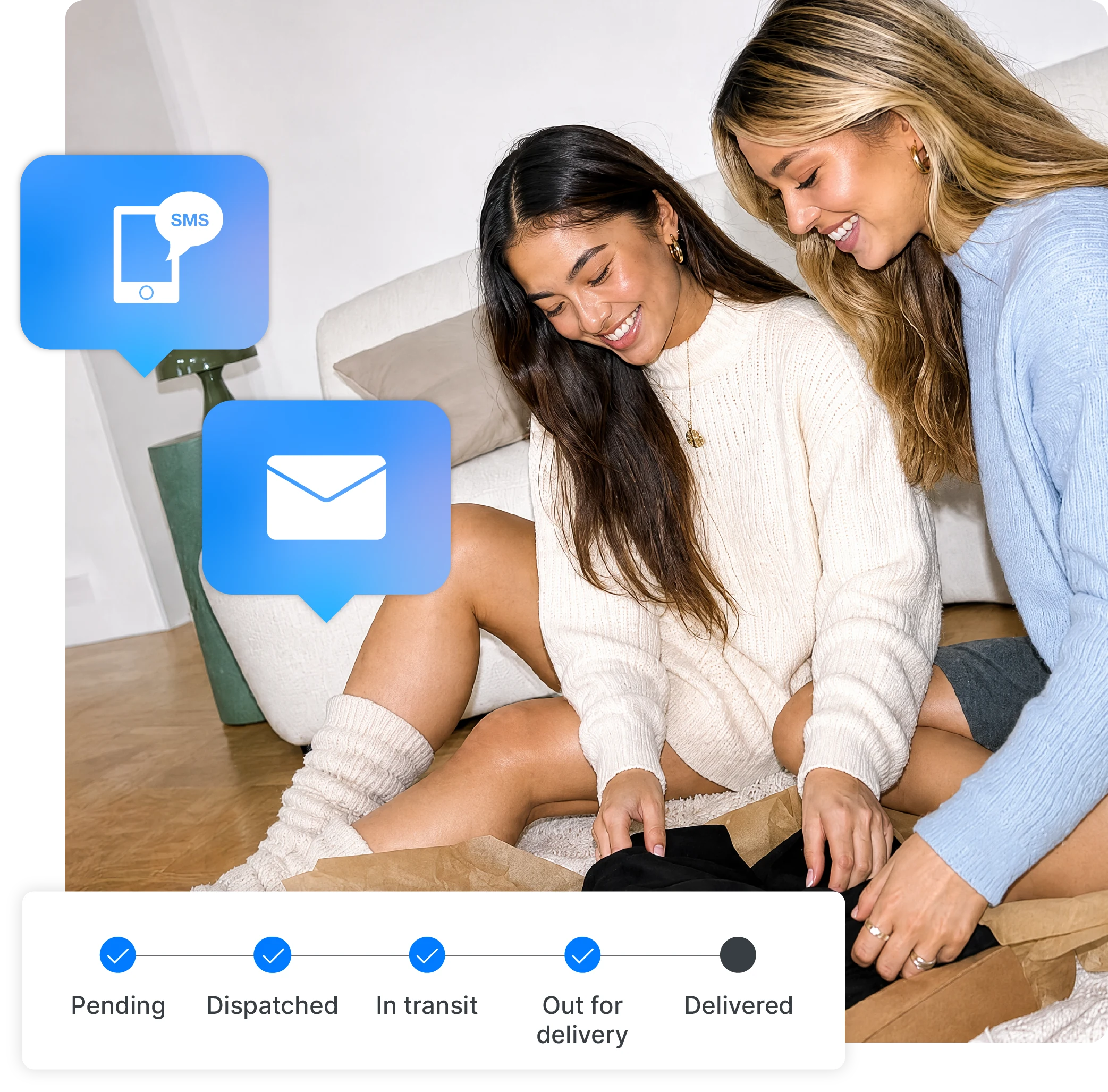
A shipping notification is a message, usually an email or SMS, sent at a selected stage of the order journey. A tracking page is the destination the customer can revisit to check available updates.
They work together. The notification tells a customer something has changed and supplies the link; the page gives them a place to review the shipment information later. One does not replace the other.
Compared with a carrier’s tracking page, a retailer-branded page can bring your identity, help details and relevant store links into the same experience. The information and customisation available depend on the service and platform you use.
What it does
Sends an update at a selected delivery stage
What the customer does
Reads the message and follows the tracking link
What it does
Presents available shipment information with the retailer’s identity
What the customer does
Returns to check progress or find help
What it does
Presents the carrier’s available shipment information
What the customer does
Checks events and any carrier-specific instructions
Make the delivery question easy to answer before adding anything else. A useful page should provide:
For orders with multiple parcels, check how the page displays each shipment. Avoid a design that leaves customers thinking the entire order has arrived when only one package is delivered.
Customers can return to a familiar page instead of searching their inbox or contacting your team for a tracking link. Keeping support details near the delivery information also helps them find the right person when something needs investigation.
For your team, consistent messages and a clear page can reduce avoidable back-and-forth. That outcome depends on accurate information and a working support process; a new logo alone does not remove delivery enquiries.
Keep the success measure practical. Look for fewer enquiries caused by missing links or unclear statuses, while checking that customers with genuine delivery problems can still get help. Our WISMO guide covers how to measure those contacts.
Fashion retailer La Mood used Starshipit’s branded tracking and notifications as part of its shipping workflow, keeping delivery communications connected to its own brand. The case study shows how post-purchase communication can sit alongside the practical work of importing orders and printing labels.
For your store, the starting question is simple: does the tracking journey feel like a continuation of the experience customers just had at checkout? Open your own dispatch message and follow the link. Check whether the branding is recognisable, the status is clear and the help option takes customers to the right place.
Choose extra content around the customer’s situation. These are illustrative approaches, not claims about a particular retailer’s results:
Use promotions sparingly. If the customer is looking for a delayed parcel, a sale banner should not make the status or contact information harder to find. Start with one genuinely useful addition and check whether it improves the experience.
Start by deciding what your customers need to see, then configure your branded tracking page and the messages that link to it.
Check the notification settings in your eCommerce platform and carrier account as part of the same review. You want customers to receive a coherent sequence, rather than several messages saying slightly different things.
Do not assume selecting a page template also configures every notification. Check both parts, using the support documentation for the interface and plan you have.
Customers typically open their shipment’s tracking link from a notification. The link should take them to the relevant order or parcel, rather than a generic marketing page.
Test an actual notification preview, not only the page editor. Check the destination, the order reference and the help link. For a wider test plan, see our parcel tracking best practices.
Keep reviewing the page after launch. Customer questions can show where the wording or next step needs to be clearer.
It can help customers find routine shipment information themselves, but delivery problems still need a support process. Keep your contact route visible and make sure someone owns enquiries that require investigation with the carrier.
That depends on the platform, connected carriers and services you use. Review support for your shipping setup and test representative shipments. A consistent page design is valuable, but the events and delivery information available may differ between carriers.
Only where the page’s available options support them and they help the customer experience. Start with the shipment status, relevant references and support details. Add secondary content below those essentials, and check that it stays out of the way when a customer needs help.
Starshipit
More from this author