


July 27, 2026
Australia Post recipient contact requirements postponed until 2027: What retailers need to know
Australia Post has postponed its recipient email or mobile requirement until 2027. Learn what...
Read now
For the complete documentation index, see llms.txt.
Summary: Reduce “where’s my parcel?” queries by giving customers a clear delivery expectation, an accessible tracking link and useful updates when the shipment changes. Automate routine messages, check for duplicate notifications and give your team a process for delays. Measure contacts against order volume to see whether the changes help.
The inbox fills up after a busy dispatch day. One customer can’t find a tracking link. Another thinks “label created” means their parcel has already left. A third has received half an order and wants to know where the rest is.
Each message needs a response, but the causes are different. Before you add more notifications, it helps to understand which questions a clearer delivery experience could answer.
Shipping automation can help with the repeatable parts. The bigger improvement comes from connecting those updates to a clear support process, so customers know when to wait and when to get help.
WISMO means “where is my order?” It describes customer enquiries about an order’s progress, from dispatch through delivery. “Where’s my parcel?” is a common version of the same question.
Some enquiries concern a real delivery problem. Others happen because the customer cannot find the tracking link, does not understand the status or expected the order sooner. Separating those causes helps you improve the experience without making support harder to reach.
Start with a sample of recent tickets and record what the customer needed. Useful categories include:
Assign one main reason to each ticket and record the delivery stage. That gives you a practical starting point: fix the uncertainty that creates the most contact, then review again.
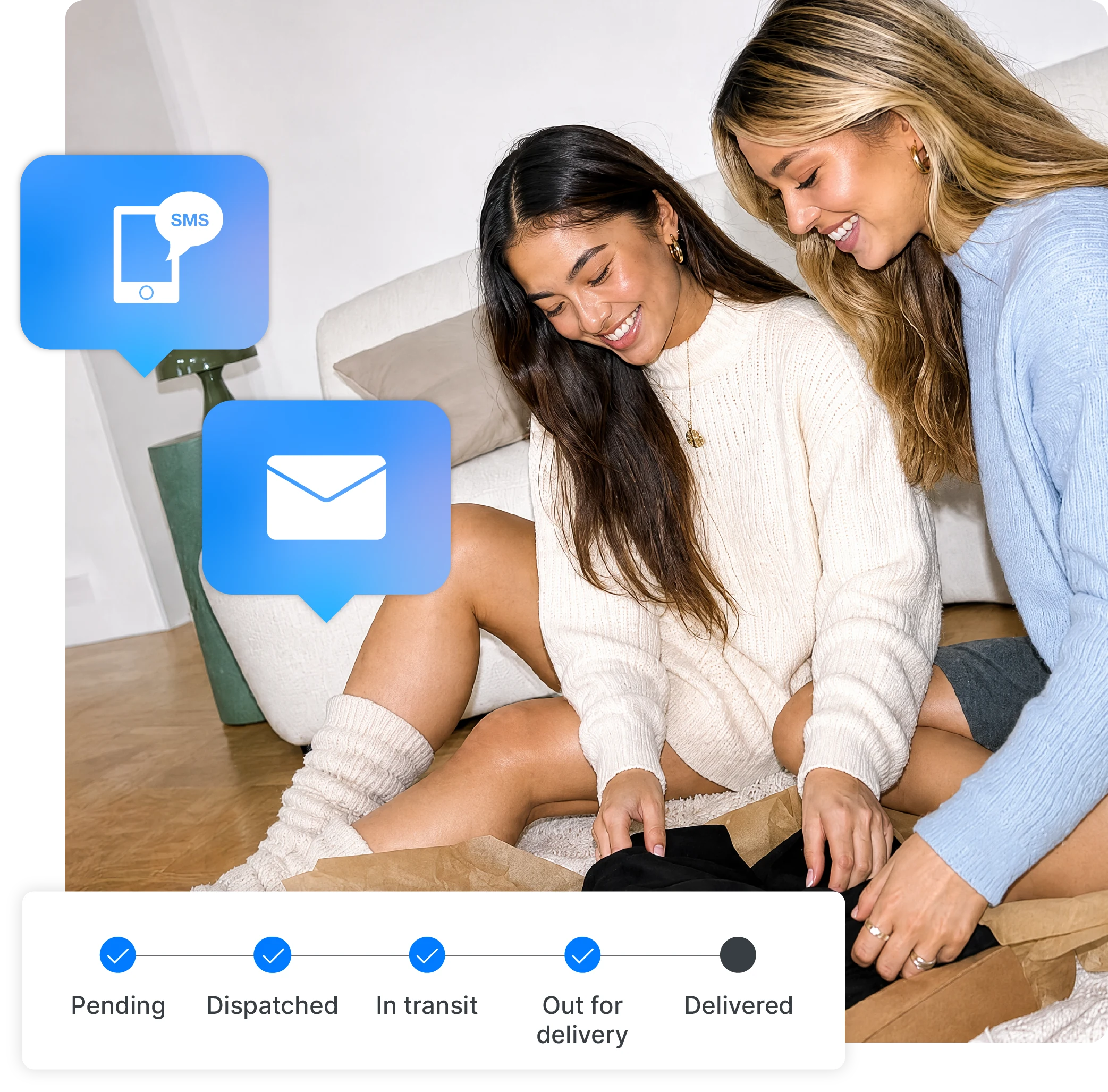
Shipping notifications can send routine updates at selected stages, so your team does not need to write each message manually. The wording must match the event that triggers it.
For example, printing a label is not proof that a carrier has collected the parcel. A message at that stage should say the order is being prepared, rather than promise it is already moving. Later updates should reflect the tracking information available from the carrier.
Make every notification useful: identify the order, explain the status in plain language, provide a tracking link and show where to get help. Avoid an exact arrival promise unless you have a supported estimate, and present an estimate as an estimate.
Start by choosing the stages that matter to your customers, then set up email notifications with wording for each one. Review the messages your store and carrier already send before enabling another set, so customers receive a coherent sequence.
A simple message review can reveal where confusion starts:
What the customer needs
A realistic dispatch expectation
What to improve
Separate preparation time from carrier transit time
What the customer needs
Confirmation and a working tracking link
What to improve
Match dispatch wording to the available carrier event
What the customer needs
An explanation of the next step
What to improve
Make the support route and follow-up timing clear
What the customer needs
Clarity about the remaining parcels
What to improve
Make separate tracking references understandable
Give customers one clear place to check their order’s latest available status. A branded tracking page can keep that information alongside your store’s identity and support details.
The first task is finding the parcel, so keep tracking information prominent. Put a help link near it and explain how customers can ask about a problem. Promotions should not make the delivery information harder to find.
Check the journey on a phone: open the notification, follow the link and try to find both the status and the support route. If the order has several parcels, make sure the customer can tell which items or packages each update refers to.
Routine notifications do not replace investigation. Give a named person or queue responsibility for exceptions, with review intervals that fit the carrier service and your customer promise.
For example, a retailer’s message might say: “Your parcel has not received a new carrier scan since Tuesday. We’re checking this with the carrier and will update you by Thursday afternoon.” Use wording like this only when your team has actually started that check and can meet the promised follow-up.
For a delivered-but-not-found enquiry, follow the carrier’s investigation process and your customer-service policy. Do not close the case solely because a status says “delivered”.
Bhumi Organic Cotton reported a 50% reduction in “where is my order?” queries after using Starshipit’s branded tracking and shipping notifications. That is a result from Bhumi’s experience, rather than a forecast for every retailer.
The useful lesson is to connect the message and its destination. A notification gets the update in front of the customer; a clear tracking page gives them somewhere to return. Both work better when your team has agreed how to handle the questions that still come through.
Count unique orders with at least one WISMO enquiry, then divide by the number of orders in the same defined group. Multiply by 100 to express the result as a percentage. Keep the observation window consistent so recently shipped orders have time to generate enquiries.
For example, if 80 of 2,000 orders generate a WISMO enquiry, the order contact rate is 4%. If a comparable group later has 50 orders with an enquiry out of 2,000 orders, it is 2.5%. These are illustrative figures, not Starshipit customer results.
Track total tickets and repeat contacts separately: one order can create several messages. Also record handling time, time to resolution and customer feedback. A lower contact rate is only useful if customers can still get help when they need it.
Compare periods with similar delivery conditions, markets and carrier mix. A quieter season or faster service can change enquiry volume independently of the notification improvements.
Start with one common enquiry type and one shipping workflow. Review the promise customers see, correct the notification wording, test the tracking link and agree who handles exceptions. Then compare the next group of orders using the same measure.
For a wider review of message timing, mobile usability and split shipments, use our parcel tracking best-practice guide. The aim is a delivery experience that answers routine questions and makes real problems easier to resolve.
Choose updates that help the customer understand progress or take action. Several technical events close together can create noise without answering a new question. Review your available stages, carrier data and existing messages, then test a sequence that feels useful from the customer’s perspective.
Start with a frequent, repeatable question for which the answer is already available. A missing tracking link or unclear dispatch message is usually easier to address than an unresolved carrier investigation. Give your team a dependable route for exceptions alongside the automated messages.
Yes. Make routine answers easier to find while keeping contact details visible. Review repeat contacts and resolution times as well as enquiry volume. If customers stop contacting you because the help link is hidden, the lower ticket count does not show a better delivery experience.
Starshipit
More from this author