
For the complete documentation index, see llms.txt.
Connect Pick Packers to Starshipit for faster warehouse dispatch
Connect Pick Packers to Starshipit to move warehouse-ready orders into automated shipping, labels, carriers, tracking and fulfilment updates.
Together, Pick Packers and Starshipit help retailers reduce manual dispatch work, support 3PL and ecommerce fulfilment workflows, and keep delivery updates flowing after orders leave the warehouse.
- 30-day free trial
- No credit card required
- 5-star support
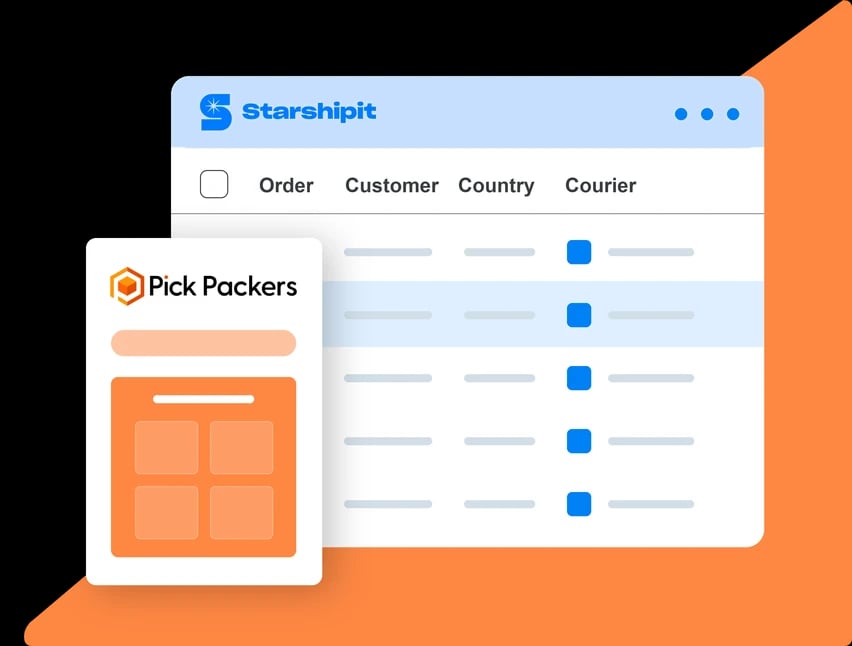
Over 30k retailers use Starshipit to save hours every week on shipping and fulfilment







Why connect Pick Packers to Starshipit?
Pick Packers provides 3PL and ecommerce fulfilment services, including warehousing, inventory management, order dispatch, freight, distribution support and systems integrations.
Once Pick Packers orders are ready to ship, Starshipit connects the dispatch layer: labels, carrier services, tracking notifications and fulfilment updates from one workflow.
That helps teams bridge warehousing, inventory management, picking, packing and shipping without rebuilding manual steps between order management, stock handling and delivery.
Whether you are dispatching ecommerce, retail, wholesale or DTC orders, Starshipit gives fulfilment teams the tools to manage shipping rules, packaging data and delivery communications.
What you can automate with Pick Packers and Starshipit
Move warehouse orders into shipping workflows
Reduce manual handling between warehouse operations and shipping by using Starshipit for fulfilment automation once orders are ready to dispatch.
Apply carrier and packaging rules
Use shipping rules to assign carriers, services, packaging and delivery options based on order details, destination, weight, dimensions or SKU data where available.
Send tracking and fulfilment updates
Send tracking notifications and fulfilment updates after labels are created so warehouse, inventory and customer-facing systems stay aligned.


Get more from Pick Packers with Starshipit
Connect warehouse and shipping teams
Give fulfilment teams a clearer handoff from inventory and warehouse operations into labels, dispatch and delivery updates.
Support multi-location fulfilment
Fulfil orders across stores, warehouses or distribution centres where order and location data is available.
Use shipping data more effectively
Use imported product, order, weight, dimension and SKU details to support label creation and shipping rules where those fields are available.
Keep systems aligned after dispatch
Send tracking or fulfilment updates after labels are created so teams and customers can see shipment progress.
Seamless integration with 100+ platforms & couriers:







“Starshipit is a global solution for us. I can see all my orders, track any order. All my teams are all using the same platform. Training is easier, because it’s one platform we’re pushing out there. It’s a simple, cost-effective solution because it’s a global solution for us.”


“We would have really struggled to scale if it wasn’t for Starshipit. Before using their app, our tech platforms weren’t talking, and we would have had to login to multiple carrier accounts to get orders out the door. Now, all of that is handled automatically, meaning we save 1000s of hours and dollars in fulfilment time."

“Starshipit is a global solution for us. I can see all my orders, track any order. All my teams are all using the same platform. Training is easier, because it’s one platform we’re pushing out there. It’s a simple, cost-effective solution because it’s a global solution for us.”
Start fulfilling orders with Pick Packers and Starshipit in minutes
Connect Pick Packers to Starshipit so warehouse-ready orders can move into labels, carriers, tracking and fulfilment workflows.
- Get started
1. Import ready-to-ship orders
Bring eligible Pick Packers order and fulfilment data into Starshipit when it is ready for dispatch.
- Get started
2. Configure shipping rules and carriers
Set up carriers, services, packaging settings and shipping rules for your warehouse or distribution workflow.
- Get started
3. Create labels and send updates
Generate labels, dispatch orders, and send tracking or fulfilment updates after shipment.


Inventory & Warehouse
How does Pick Packers work with Starshipit?
Pick Packers supports inventory, warehouse, ecommerce, retail, wholesale, or order operations, while Starshipit handles the shipping workflow once orders are ready to dispatch. Together, they help teams move from order management to labels, carriers, tracking, and delivery updates.
Can Starshipit support fulfilment workflows with Pick Packers?
Yes, where order and location data is available. Starshipit can help teams fulfil orders across stores, warehouses, or distribution centres, which is useful for retailers managing stock and dispatch from more than one location.
Can Starshipit use product weights, dimensions or SKUs with Pick Packers?
Starshipit can use imported product and order details to support label creation, shipping rules, and fulfilment workflows where those fields are available. Teams can also manage missing shipping data inside Starshipit using product and packaging settings.
Does Starshipit update tracking or fulfilment status after Pick Packers orders ship?
For supported workflows, Starshipit can send tracking or fulfilment updates after labels are created. This helps keep warehouse, inventory, and customer-facing systems aligned.