
For the complete documentation index, see llms.txt.
Automate Delivereasy delivery bookings with Starshipit
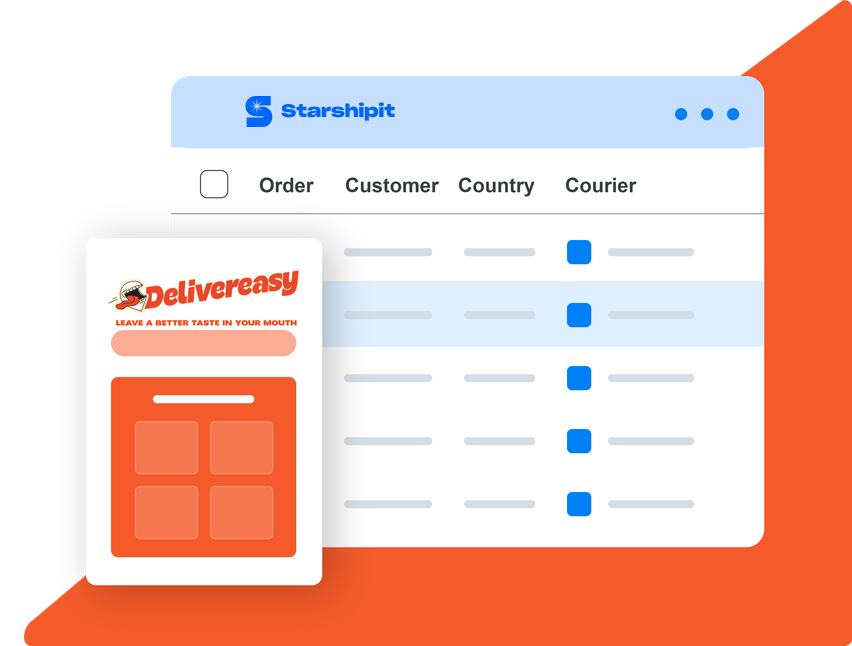
Connect your Delivereasy account to get rates, create New Zealand domestic delivery bookings and schedule pickups in Starshipit.
Create a plain receiver-detail label for an eligible booking, then choose the pickup date and time that works for your order.
- 30-day free trial
- No credit card required
- 5-star support

Seamless integration with 100+ platforms & couriers:






Why use Delivereasy with Starshipit?
Delivereasy is a New Zealand on-demand delivery service that helps customers follow deliveries in real time. Connect your account to manage eligible rates and booking details alongside your other shipping workflows in Starshipit.
Use the delivery options available to your Delivereasy account and confirm the pickup time before you send each booking.
What you can do with the Delivereasy integration
Get delivery rates
Check eligible Delivereasy rates before you create a delivery booking.
Create delivery bookings
Create a shipment and pickup booking, then generate a plain label with receiver details.
Choose a pickup time
Set the pickup date and time for each eligible Delivereasy delivery booking.


Start shipping with Delivereasy and Starshipit in minutes
1. Import your orders
Bring eligible New Zealand domestic orders into Starshipit from your connected sales channel.
2. Connect your Delivereasy account
Add the account details supplied by Delivereasy and select the available service.
3. Create a booking
Get a rate, create the booking, and select the pickup date and time before dispatch.
Delivereasy shipping FAQs
Does Starshipit support Delivereasy?
Yes. Starshipit supports eligible Delivereasy New Zealand domestic rates, delivery bookings, pickup scheduling and plain receiver-detail labels.
What do I need to connect Delivereasy?
You need an active Delivereasy account and the account details supplied by Delivereasy. Available services depend on your account and booking details.
Can I choose a pickup time?
Yes. When you create an eligible delivery booking, set the pickup date and time in Starshipit before you dispatch it.