
For the complete documentation index, see llms.txt.
Automate iMile Delivery shipping in Australia with Starshipit
Save time on Australian domestic shipping with the iMile Delivery integration for Starshipit.
Access your contracted shipping rates, generate labels, book pickups and manage tracking alongside your other couriers, all from one platform.
- 30-day free trial
- No credit card required
- 5-star support
Over 30k retailers use Starshipit to save hours every week on shipping and fulfilment







Why use iMile Delivery with Starshipit?
iMile Delivery is a global express delivery company specialising in eCommerce logistics and last-mile delivery, including services across Australia.
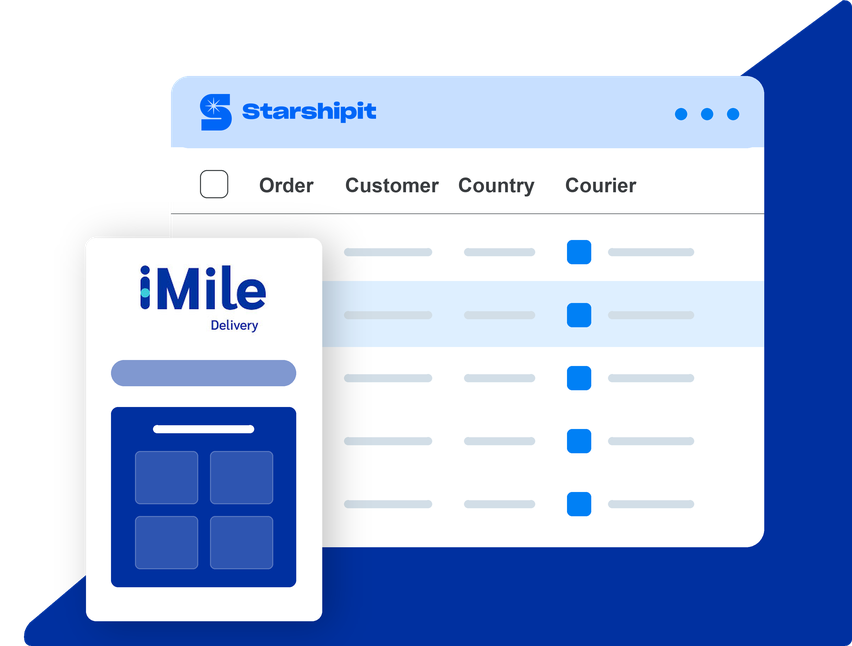
Connect your iMile account to Starshipit to manage eligible domestic Australian shipments alongside your other couriers, all in one place.
Set up iMile Delivery integrationWhat you can automate with the iMile Delivery integration
Generate iMile Delivery shipping labels automatically
Access your contracted iMile shipping rates and generate labels for eligible Australian domestic orders, reducing repetitive manual work.
Keep delivery tracking in one place
View iMile tracking updates alongside your other couriers, giving your team better visibility of shipments after dispatch.
Book iMile pickups in Starshipit
After creating labels, select your shipments and request an eligible pickup for your preferred date and time, directly in Starshipit.


Get more from iMile Delivery with Starshipit
Cut repeat data entry
Import orders from your connected sales channels, then prepare eligible iMile labels using the order details already in Starshipit.
Use your contracted iMile services
See rates for the iMile product codes and Australian delivery lanes enabled on your account before you create a label.
Find delivery updates in one place
Find tracking information returned by iMile against your orders, alongside updates from your other connected couriers.
Keep collections in your shipping flow
After creating labels, request eligible iMile pickups for your preferred date and time in Starshipit, subject to availability.
Seamless integration with 100+ platforms & couriers:





Start shipping with iMile Delivery and Starshipit in minutes
- Get started
1. Import your orders
Bring orders from your connected sales channels, including Shopify, into Starshipit.
- Get started
2. Connect your iMile Delivery account
Enter your iMile Client code and Secret key, then add the product codes enabled for your account.
- Get started
3. Start shipping
Access eligible iMile services, generate shipping labels and book pickups through Starshipit.
iMile Delivery shipping FAQs
Does iMile Delivery integrate with Starshipit in Australia?
Yes. The iMile Starshipit integration supports eligible Australian domestic shipments. You can access contracted shipping rates, generate labels, receive tracking updates and book eligible pickups through Starshipit.
Can I connect iMile Delivery to Shopify through Starshipit?
Yes. Connect Shopify to Starshipit to import your orders, then use your connected iMile account to create shipping labels and manage tracking for eligible Australian domestic shipments.
What shipping services does the iMile integration support?
The Starshipit integration supports eligible Australian domestic iMile services only. Available services and contracted rates depend on your iMile account and configured shipping lanes. International shipping and Cash on Delivery (COD) are not supported.
How do I connect my iMile account to Starshipit?
You'll need an active iMile merchant account, your Client code and Secret key, and the product codes enabled for your account. Add these details to your iMile courier settings in Starshipit and follow the iMile setup guide.