
For the complete documentation index, see llms.txt.
Ship Subbly subscription orders with Starshipit
Spend less time managing shipping and more time growing your subscription business.
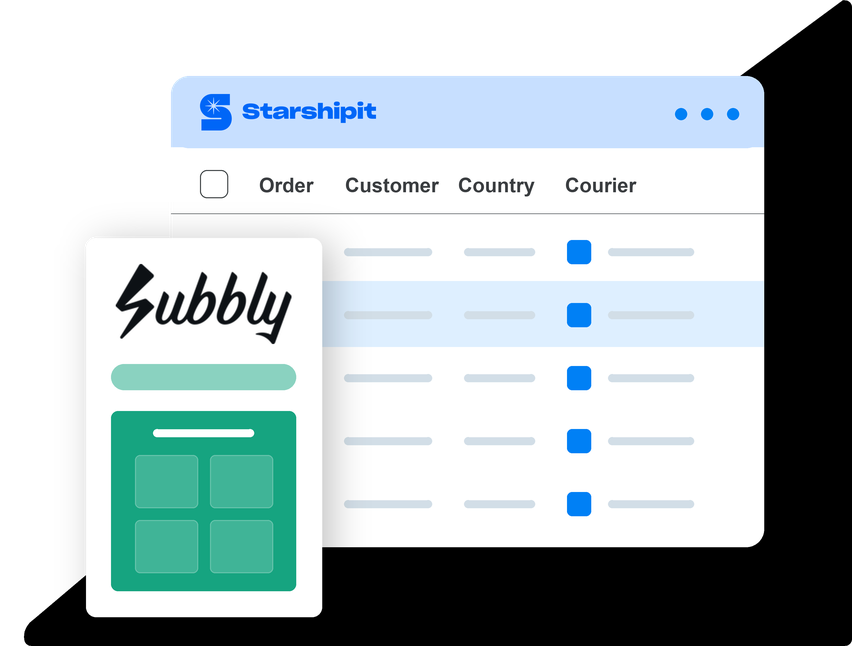
Connect Subbly to Starshipit to automatically import orders, reduce manual data entry and manage shipping and fulfilment from one place.
Already using Starshipit? Set up the Subbly integration
- 30-day free trial
- No credit card required
- 5-star support
Trusted by 30,000+ retailers worldwide







Why connect Subbly to Starshipit?
Subbly is an eCommerce platform built for subscription businesses, helping retailers manage online stores, recurring payments, subscriptions and customer orders.
Whether you're selling subscription boxes, recurring deliveries or one-time products, managing shipping shouldn't slow you down.
That's where Starshipit comes in.
By connecting Subbly to Starshipit, you can automatically import eligible subscription and one-time orders, reduce manual data entry and manage shipping through your connected carriers in one place.
Spend less time on repetitive shipping tasks and more time growing your business.
Set up Subbly integrationHow Starshipit’s integration helps
With Starshipit & Subbly, you can:
Save time on shipping
Automatically import eligible Subbly orders and spend less time entering shipping details by hand.
Keep orders moving
Import subscription shipments when they're due, so your team can focus on orders ready to ship.
Simplify dispatch
Print labels and manage your connected carrier services from one shipping platform.


What you can do with Subbly and Starshipit
Import subscription and one-time orders
Bring eligible paid, unfulfilled Subbly orders into Starshipit, ready for your shipping workflow.
Choose how orders are imported
Import orders manually or enable automatic imports to suit the way your business works.
Keep future shipments organised
Upcoming subscription shipments stay in Subbly until they're due, helping you avoid importing orders too early.
Update shipped-order statuses
For complete, unsplit orders, Starshipit can update the status to Shipped in Subbly when you print labels, or on manifest if you've selected that setting.
More than a shipping integration
Starshipit gives you the tools to manage shipping as your subscription business grows.
Print shipping labels faster
Create shipping labels for your connected carriers without entering order details manually.
Manage multiple carriers
Connect your preferred carriers and manage shipping through one platform.
Automate repetitive shipping tasks
Use shipping automation rules to help reduce manual steps and keep orders moving.
Seamless integration with 100+ platforms & couriers:








Set up Subbly shipping with Starshipit today
Connect your Subbly store, then bring eligible orders into Starshipit and manage dispatch from one place.
1. Import your orders
Import eligible paid, unfulfilled Subbly orders automatically or manually when they're ready to ship.
2. Manage your carriers
Manage your connected carriers and use shipping rules to simplify dispatch.
3. Print your shipping labels
Create and print shipping labels for your Subbly orders in Starshipit.


Subbly shipping integration FAQs
Does Starshipit integrate with Subbly?
Yes. Starshipit connects with Subbly to import eligible paid, unfulfilled subscription and one-time orders into your shipping workflow.
Can I automatically import Subbly orders?
Yes. You can import eligible orders manually or enable automatic imports in your Starshipit settings.
When are recurring subscription orders imported?
Future subscription shipments remain in Subbly until they're due and eligible for import.
Can Starshipit update order statuses in Subbly?
Yes. For complete, unsplit orders, Starshipit can update the status to Shipped when labels are printed or on manifest, depending on your settings. Split orders need to be marked as fulfilled manually in Subbly once all parts have shipped.
Does Starshipit send tracking details back to Subbly?
No. Tracking numbers, tracking links and carrier details are not sent back to Subbly through this integration.
How many Subbly stores can I connect?
You can connect one Subbly store per Starshipit account using a private API key in Starshipit UI 2.0.
How do I connect Subbly to Starshipit?
Connect your Subbly store using a private API key in Starshipit, then choose your order import settings. Follow the Subbly setup guide to connect your store and check your first import.
Ready to simplify your Subbly shipping?
Spend less time entering orders manually and more time growing your business. Connect Subbly with Starshipit and make everyday shipping easier to manage.