
For the complete documentation index, see llms.txt.
Automate Upstock fulfilment with Starshipit
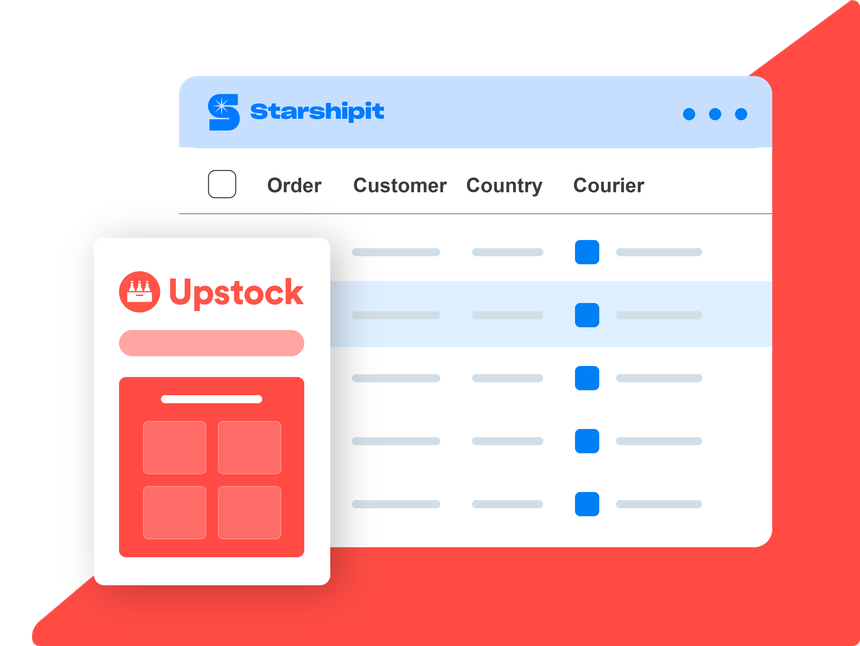
By connecting Upstock to Starshipit, suppliers can automate courier tickets, streamline fulfilment and sync shipment status back to Upstock.
Teams can reduce manual shipping work, manage carriers from one platform and keep wholesale customers informed as orders move.
- 30-day free trial
- No credit card required
- 5-star support
Over 30k retailers use Starshipit to save hours every week on shipping and fulfilment







Why connect Upstock to Starshipit?
Upstock helps food and beverage suppliers automate wholesale orders, payments and logistics.
By connecting Upstock to Starshipit, suppliers can automate courier tickets, streamline fulfilment and sync shipment status back to Upstock.
Teams can reduce manual shipping work, manage carriers from one platform and keep wholesale customers informed as orders move.
What you can automate with Upstock and Starshipit
Automate wholesale fulfilment
Reduce manual wholesale fulfilment tasks and automate the validation, allocation and dispatch of orders from a single workflow.
Automate carrier decisions
Use Starshipit's shipping rules to automatically assign carriers, services and delivery options based on order details and fulfilment requirements.
Keep customers informed
Send automated tracking updates and delivery communications throughout the order journey.


Get more from Upstock with Starshipit
Streamline wholesale fulfilment
Move wholesale orders from purchase to dispatch with less manual handling.
Reduce courier ticketing admin
Automate courier tickets and shipping workflows so teams can spend less time on repetitive fulfilment tasks.
Sync shipment status
Keep order and shipment information moving so teams and customers have clearer delivery visibility.
Manage carriers in one place
Connect your carrier network to Starshipit and manage shipping operations from a single platform.
Seamless integration with 100+ platforms & couriers:






Start fulfilling Upstock orders with Starshipit in minutes
Connect Upstock to Starshipit and automate fulfilment, shipping and delivery workflows across your wholesale operations.
- Get started
1. Sync orders from Upstock
Send Upstock orders to Starshipit and prepare them for fulfilment.
- Get started
2. Configure your delivery network
Connect carriers and delivery services to support your fulfilment strategy.
- Get started
3. Automate fulfilment and shipping
Generate labels, dispatch orders and keep customers informed throughout the delivery journey.


Upstock fulfilment FAQs
How does the Upstock integration work with Starshipit?
The Upstock integration connects your online store, marketplace, or retail platform to Starshipit so orders can flow into your shipping workflow. From there, teams can create labels, choose carriers, dispatch orders, and send tracking updates.
What order information syncs from Upstock to Starshipit?
Starshipit imports the order details needed for fulfilment, such as customer delivery information, products, shipping method, and order status where supported. Exact fields depend on the Upstock setup.
Does Starshipit write tracking back to Upstock?
For supported integrations, yes. Starshipit can write tracking details and fulfilment updates back to Upstock after labels are created, helping keep your store and customers updated.
Can I use multiple carriers with Upstock orders?
Yes. Once Upstock orders are in Starshipit, you can manage multiple carriers from one place and use shipping rules to assign services based on destination, weight, order value, or delivery requirements.
What if my Upstock workflow needs a custom connection?
If a native workflow is not available, Starshipit can support custom shipping integrations through the Starshipit API, CSV imports, or automation tools such as Zapier, depending on your setup.