



August 10, 2026
How to choose a warehouse management system for eCommerce
Choose the right eCommerce WMS with a practical checklist for inventory, picking, shipping...
Read now
For the complete documentation index, see llms.txt.
Published: 2026-07-28
Written by Tara Hunt
Summary: Starshipit Pick & Pack app helps teams pick, pack and dispatch online orders more accurately using barcode scanning, packing validation and label printing. Starshipit WMS goes further by managing inventory and warehouse operations across the full fulfilment process, including receiving, putaway, replenishment, stock movements, cycle counts and location control. The right choice depends on whether you need to improve the outbound picking and packing process or manage inventory and warehouse workflows more broadly.
Picking mistakes are creeping in. Stock is getting harder to trust. You need more control, but you’re not sure whether you need a full warehouse management system yet.
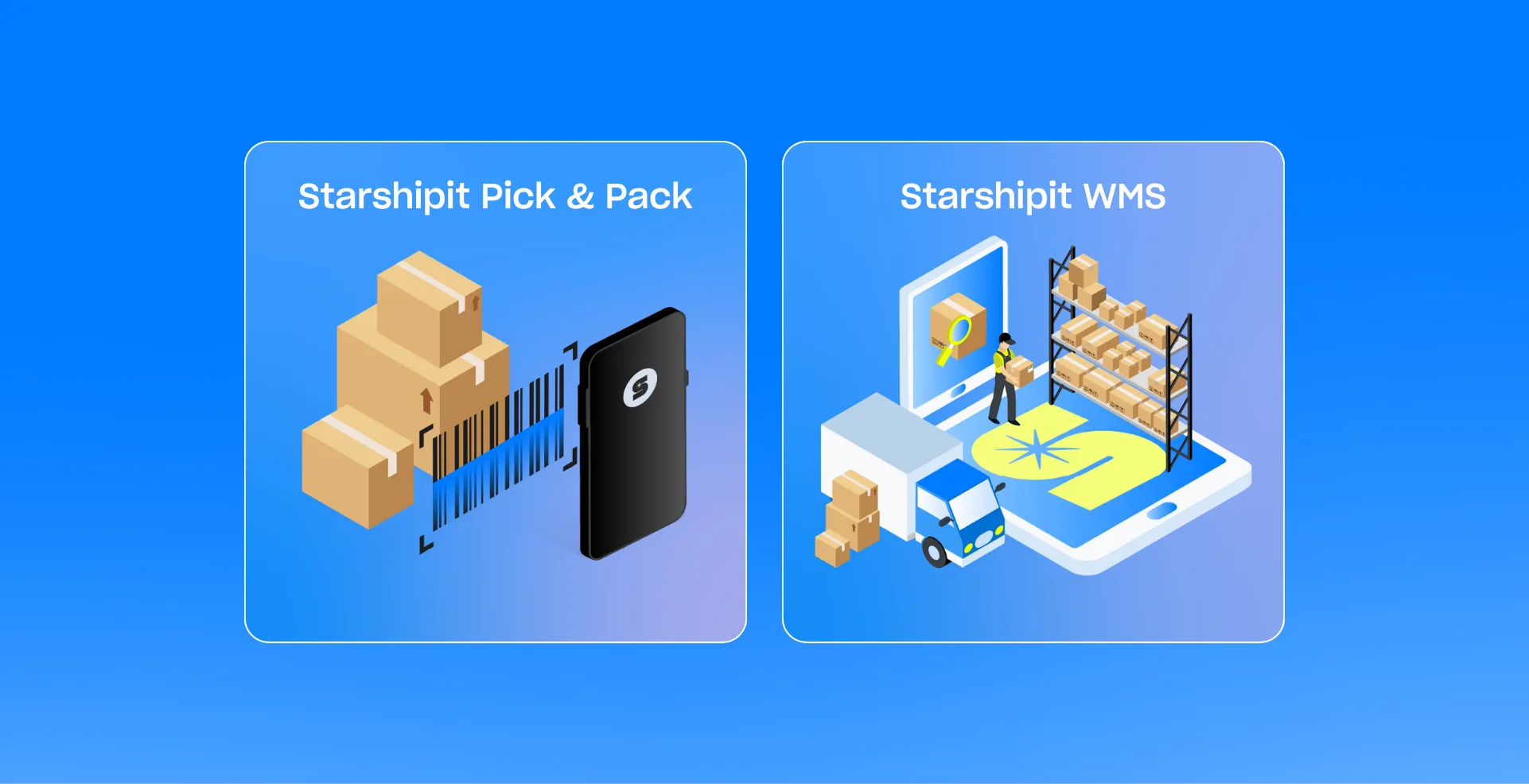
Starshipit offers two ways to bring more control to warehouse fulfilment: Pick & Pack and Starshipit WMS.
On the surface, both help your team reduce errors and keep orders moving. The real difference is how much control you need beyond picking and packing.
Read on to compare the features, setup and workflows below to see which option fits your warehouse today and when it may be time to move to Starshipit WMS.
| If this sounds like your operation… | Best starting point |
|---|---|
| Your inventory and stock locations are already under control, but picking or packing errors still happen | Pick & Pack |
| You’re still using paper pick lists and would like to upgrade to a digital workflow | Pick & Pack |
| You need staff to scan products, validate quantities and print labels for online orders | Pick & Pack |
| Another system already manages your inventory effectively | Pick & Pack |
| Stock is difficult to find or often stored in the wrong place | WMS |
| You need receiving, putaway and stock-movement workflows | WMS |
| Pickers need to be directed to exact warehouse locations | WMS |
| You need to allocate inventory, replenish pick locations or run cycle counts | WMS |
| Picking and packing works, but the wider warehouse is becoming harder to control | WMS |
The simplest way to decide is to ask where the problem begins. Pick & Pack helps prevent errors during outbound picking and packing. Starshipit WMS also manages the stock and warehouse processes that can cause those errors earlier.
The Pick & Pack app helps warehouse teams verify online orders at both the picking and packing stages.
Instead of relying on paper pick lists or manual checks, staff can scan items as they pick them, then scan again while packing to confirm the right products and quantities are going into each order. This helps catch mistakes before the parcel is dispatched.
Luna Rae shows where Pick & Pack can fit into a growing fulfilment operation. The team didn’t need to rebuild its whole warehouse operation to get more control. It needed a faster, more accurate way to move online orders from picking through to dispatch, while reducing the manual work and paper waste that can slow a growing fulfilment team down.
With Pick & Pack, Luna Rae used scan-led workflows to check items as orders were picked and packed, helping he team reduce fulfilment time by 80%, process more orders per person and significantly lower technology and paper costs.
Starshipit WMS includes the picking and packing control of Pick & Pack, then extends it across inventory and the wider warehouse operation. It combines a warehouse management platform with an app for completing warehouse jobs on a compatible mobile device or handheld scanner.
Starshipit WMS includes picking, packing and validation, while also managing the inventory, locations and jobs that make accurate fulfilment possible.
That matters because picking and packing errors often start earlier than the packing bench. Stock may have been received incorrectly, put away in the wrong location, moved without a clear record or left unreplenished in a pick face. Starshipit WMS helps teams manage those steps before they become dispatch problems.
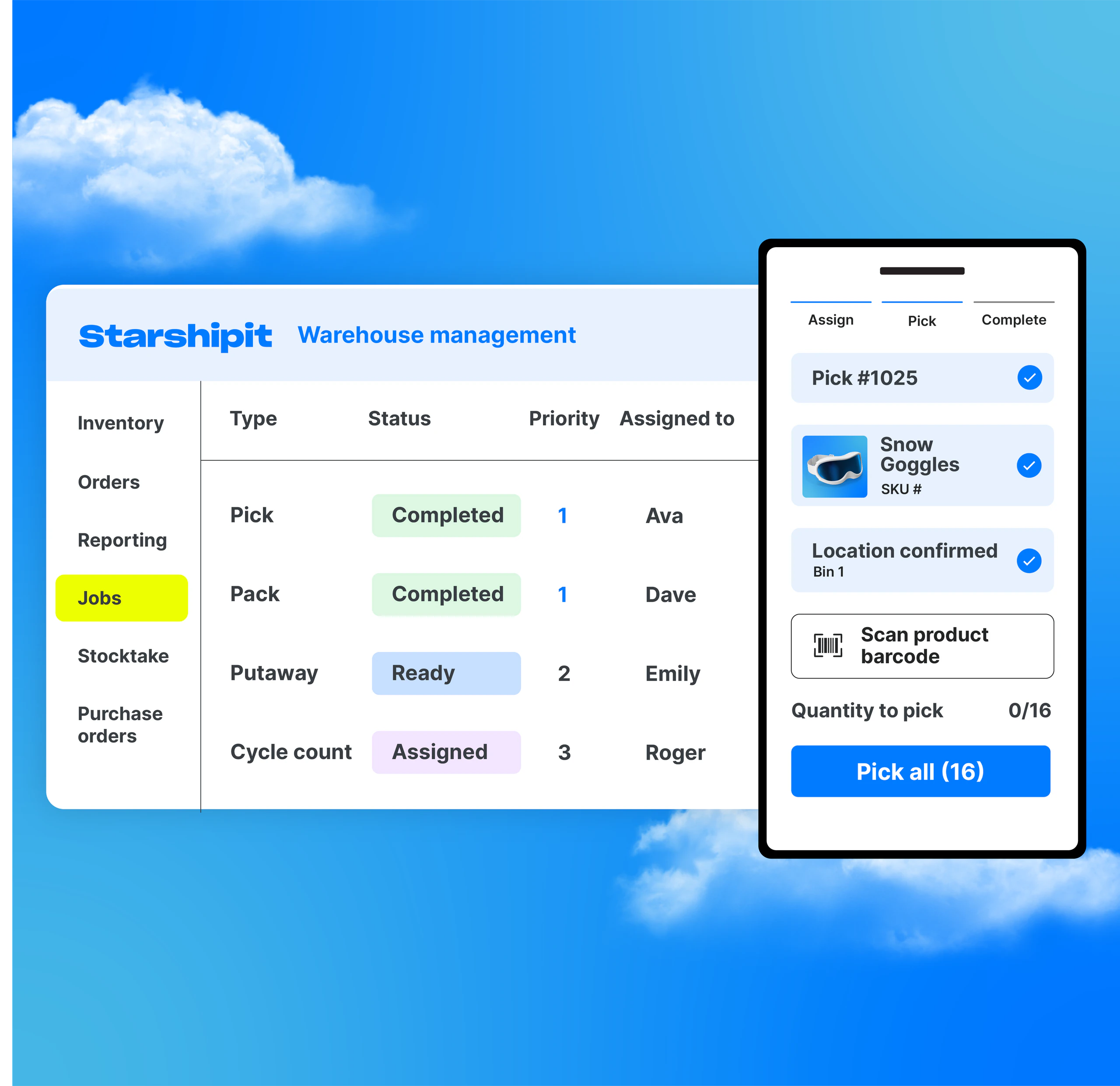
Operations teams use the WMS platform to manage inventory, locations, stock allocations and jobs. Warehouse staff use the WMS app to receive, put away, move, replenish and pick stock on the warehouse floor.
If stock is missing, damaged or in the wrong location, the picker can record the issue and continue the job. The detail is kept for investigation without holding up fulfilment.
The separate WMS app is included with the wider WMS platform.
Before picking begins, Starshipit WMS can allocate stock and create a job telling the picker what to collect, how much to collect and where to find it.
Pick & Pack focuses on outbound picking and packing. Starshipit WMS includes those capabilities, then adds the WMS platform and WMS app for managing the wider warehouse operation.
| Capability | Pick & Pack | Starshipit WMS |
|---|---|---|
| Product type | Picking and packing app | Warehouse management product with an included WMS app |
| Setup and onboarding | Quick to start using with minimal setup | Implementation with a Starshipit WMS specialist to configure inventory, warehouse locations and operational workflows around your business |
| Main purpose | Pick, pack, validate and print labels for online orders | Manage inventory, warehouse locations and jobs from receiving through to dispatch |
| Platform control | Uses orders and shipping workflows in Starshipit | Dedicated WMS platform for inventory, locations, stock allocations and jobs |
| Pick, pack, validate and print labels | Yes – core capability | Yes – included as part of wider fulfilment workflow |
| Barcode scanning | Picking and packing verification | Receiving, putaway, movements, replenishment, picking and other warehouse jobs |
| Digital picking | Yes | Yes |
| Packing validation | Yes | Yes |
| Label printing | Yes | Yes |
| Inventory allocation | Not included | Core capability |
| Receiving and putaway | Not included | Yes |
| Stock movements | Not included | Yes |
| Structured warehouse locations | Basic product or bin information | Zones, aisles, shelves, bins and other warehouse locations |
| Replenishment | Not included | Yes |
| Stocktakes and cycle counts | Not included | Yes |
| Report stock issues during picking | Not included as a structured warehouse workflow | Pickers can report missing, damaged or incorrect stock as they work, allowing someone else to investigate while the picker moves on |
| Reporting and insights | Basic picked-by and packed-by visibility | Detailed reporting on team activity, workload and warehouse performance |
Pick & Pack can keep working well as order volumes grow, provided the wider stock and warehouse process remains straightforward.
The upgrade point usually comes when the problem is no longer limited to picking and packing.
You may be ready for Starshipit WMS when:
At that point, better order validation will not fix the full problem. You need more control over how inventory enters, where it lives and how it moves through and leaves the warehouse.
If you’re choosing between Pick & Pack and Starshipit WMS, ask these three questions:
In simple terms:
Choose Pick & Pack when your inventory process already works and your main goal is to add verification at both the picking and packing stages, with the flexibility to work from desktop, a compatible mobile device or a handheld scanner.
Choose Starshipit WMS when stock visibility, stock movement or the wider warehouse operation is becoming harder to manage. Starshipit WMS gives you the next level of control without disconnecting fulfilment from shipping.
Find the right level of warehouse control for your team, from scan-led picking and packing to full inventory management.
Yes. Starshipit WMS adds broader inventory and warehouse management to the outbound picking and packing workflows supported by Pick & Pack. The WMS app replaces the Pick & Pack app when you move to Starshipit WMS.
Yes. Both products support barcode scanning on compatible devices, including mobile devices and handheld scanners. Pick & Pack uses scanning mainly for outbound order verification, while Starshipit WMS uses scanning across broader warehouse workflows, including receiving, putaway, stock movements, replenishment and picking, with packing validation supported within the wider fulfilment workflow.
Yes. Your team can pick, pack, validate and print shipping labels for online orders imported into Starshipit.
No. Pick & Pack supports order processing and validation, but it does not manage warehouse inventory, allocations or stock movements.
Yes. Pick & Pack can be the right starting point, with Starshipit WMS providing the next level of control as the warehouse becomes more complex.
No, Pick & Pack and Starshipit WMS are separate products with their own app download links. The WMS app includes the picking and packing capabilities of Pick & Pack, plus broader warehouse jobs, and replaces the Pick & Pack app when you move to Starshipit WMS.
Yes. New customers can access a free 30-day WMS trial by starting a Starshipit trial and activating Warehouse Management from the Warehouse section of the platform. Existing Starshipit customers can activate a free 7-day WMS trial from the Warehouse section of their Starshipit account.
At the moment, there is no trial available for the Pick & Pack app.
Pick & Pack and Starshipit WMS are priced separately. Compare Starshipit pricing to see the available options.
Find step-by-step setup and workflow guides in the Starshipit Knowledge Base.
View Pick & Pack setup guidesView Starshipit WMS setup guidesTara Hunt
More from this author